BackStash
$ backs up only what changed
A desktop backup tool for the folders you actually care about — to an external drive, to Google Drive, or both. It watches for changes, keeps old versions, and checks its own work.
These builds are not code-signed. Verify the SHA256 checksum before installing.
Three choices, then it runs itself
-
Step 1
Pick a folder
The one you would be sick to lose. Documents, a projects directory, this year's photos.
-
Step 2
Pick where it goes
An external drive, your own Google Drive, or both at once.
-
Step 3
Pick when
The moment something changes, on a schedule, or only when you say so.
About two minutes. Nothing else to configure.
What you actually see
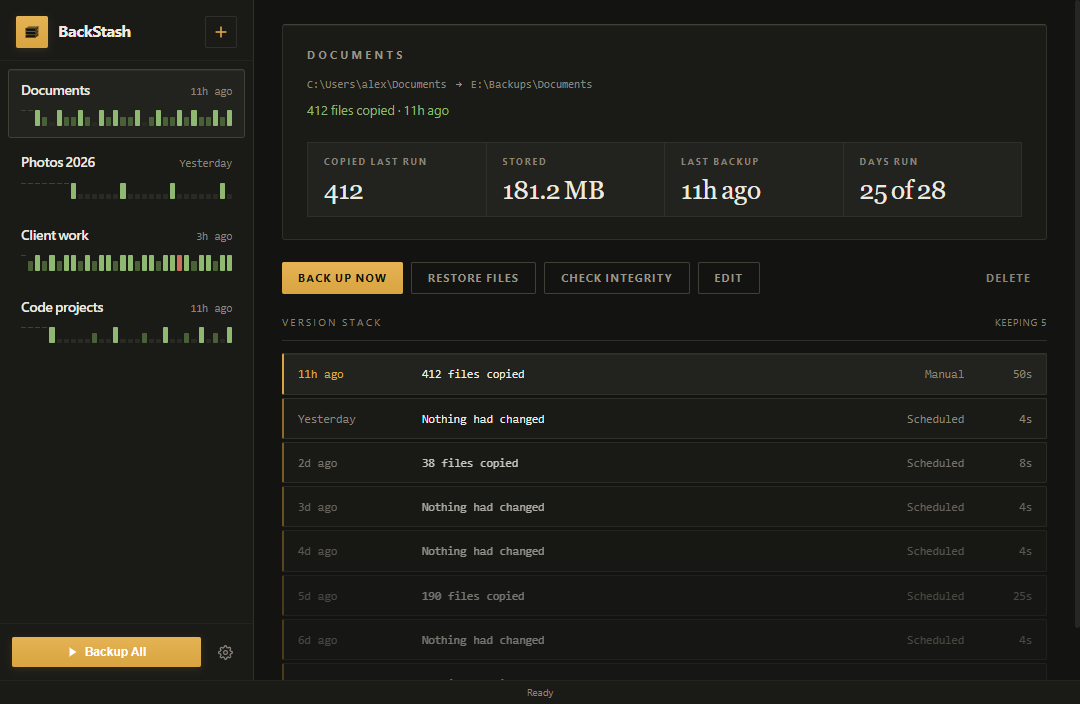
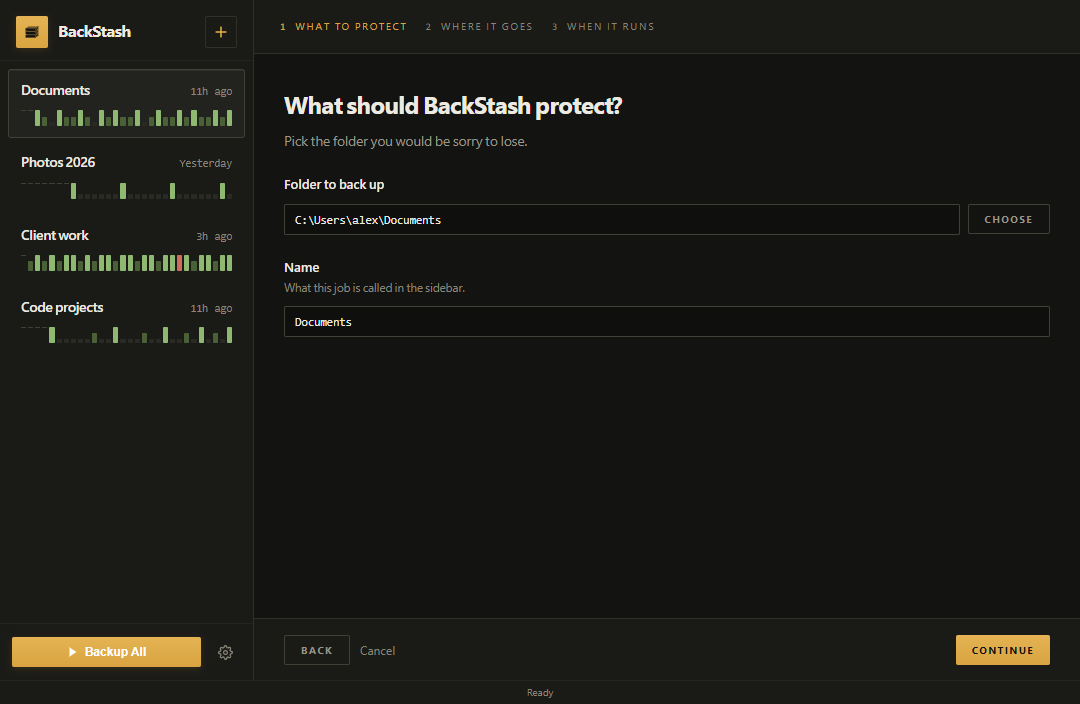
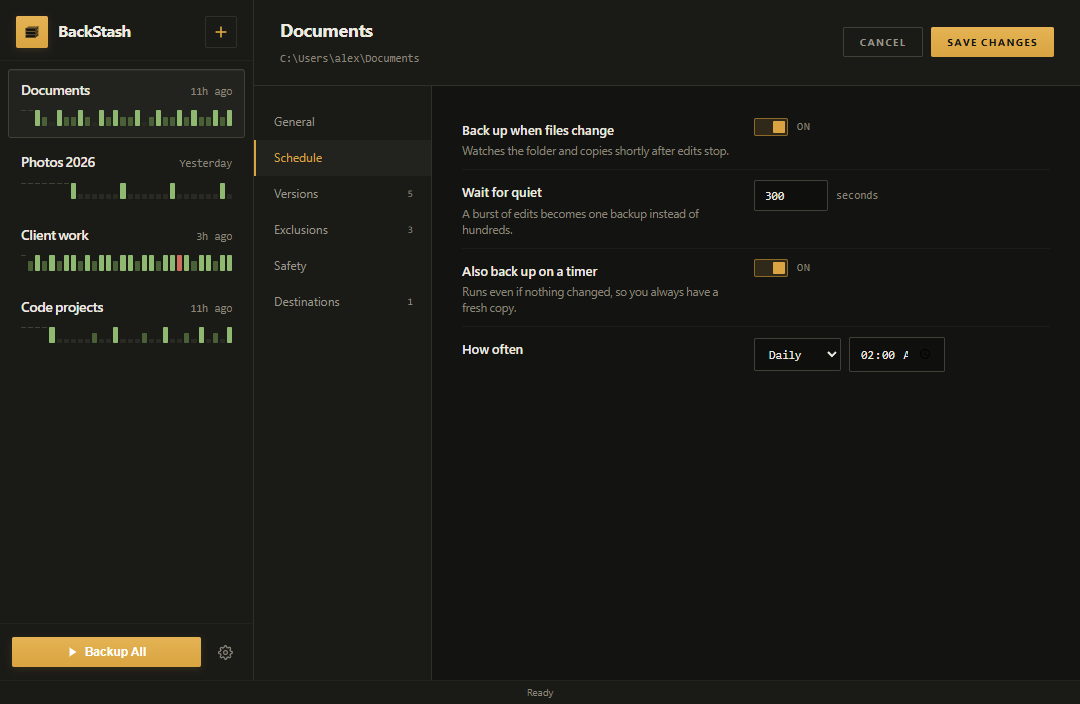
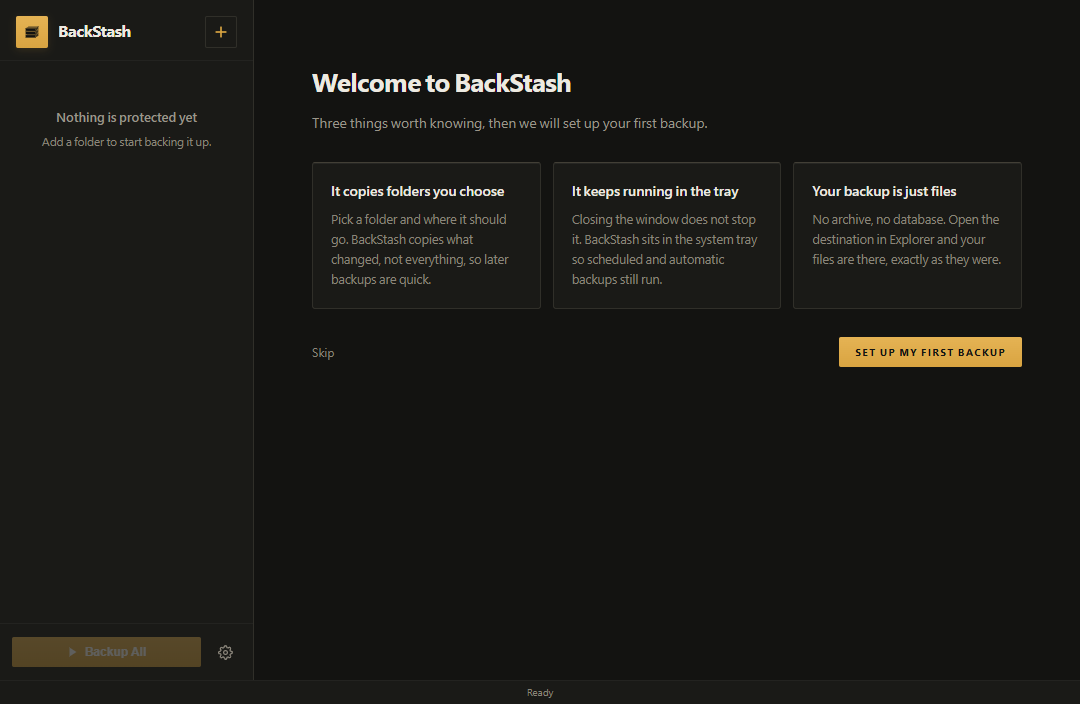
What it does
Incremental
Compares size and modification time, then copies only what changed. Skip what you don't want with globs like node_modules.
Runs by itself
Backs up moments after a file changes, or on a daily, weekly or monthly schedule. Closing the window minimises to the tray.
Versions
An overwritten file keeps its previous copies in a .versions folder. Undo a bad save, not just a lost drive.
Verified
Scans for ransomware patterns before backing up, then checks the finished backup against BLAKE3 hash manifests.
Restore
Put files back where they were, or somewhere new. Per conflict: skip newer, overwrite, or keep both.
Google Drive
Connects over OAuth to your own account, skips what's already uploaded, and can cap the upload speed. Works cloud-only.
Every build
What changed in 1.4.2
- Fixed Read-only files copy to a network share Git marks every object read-only, and the old copy created the destination read-only in the same step that asked to write it, which a Windows share refuses — 41 files failed on every run.
- Fixed Check integrity works on a job with sources Instead of refusing the job, it now checks each source folder and adds up the counts.
- Fixed A running backup can be asked where it is A window that missed the progress events no longer shows "Never backed up" over a backup that is copying.
This release ships the Windows installer, the AppImage and the .deb. There is no MSI, portable .exe or snap build of it.
Checksums
Installer BackStash_1.4.2_x64-setup.exe
6C9180C89D6C2CA380A2A1DFFAABE88BF94D9979BFC37F35344159B82386BE81
Check it before running:
Get-FileHash .\<file> in PowerShell, and compare.
Older builds (1)
v1.4.0 · 16 Sep 2026
AppImage Recommended
Runs from anywhere, nothing installed, no root. Updates itself.chmod +x ./BackStash_1.4.2_amd64.AppImage./BackStash_1.4.2_amd64.AppImage
Debian / Ubuntu
Installs through apt like any other package.sudo apt install ./BackStash_1.4.2_amd64.deb
What changed in 1.4.2
- Fixed Read-only files copy to a network share Git marks every object read-only, and the old copy created the destination read-only in the same step that asked to write it, which a Windows share refuses — 41 files failed on every run.
- Fixed Check integrity works on a job with sources Instead of refusing the job, it now checks each source folder and adds up the counts.
- Fixed A running backup can be asked where it is A window that missed the progress events no longer shows "Never backed up" over a backup that is copying.
This release ships the Windows installer, the AppImage and the .deb. There is no MSI, portable .exe or snap build of it.
Checksums
AppImage BackStash_1.4.2_amd64.AppImage
46C9A6668D5E3AD7551220430CC02E8D61E048D18F119C74E98DF30925EE1C58
Debian / Ubuntu BackStash_1.4.2_amd64.deb
81AFEF2E0EA9F2C6865BB942E8C8F401D205D1C3AA1056E55FF55881106867EF
Check it before running:
sha256sum <file>, and compare.
Older builds (1)
v1.4.0 · 16 Sep 2026
A code-signing certificate costs a few hundred a year and BackStash is free, so these builds are unsigned and Windows does not recognise the publisher. Every download's SHA256 is published above: verify it before installing, and only install software you are willing to vet.
The Windows installer and the Linux AppImage update themselves. The .deb has to be replaced by hand.
Licence, and how to remove it
- Licence
- Not open source — all rights reserved. Free to download and use; the source isn’t public.
- Uninstall
- Windows: Settings → Apps → BackStash → Uninstall. Linux:
sudo apt remove backstash,sudo snap remove backstash, or just delete the AppImage. - What stays
- Uninstalling leaves your backups and your settings alone. Settings live in
%APPDATA%\BackStashon Windows,~/.config/BackStashon Linux — delete those by hand if you want them gone.